


Introduction
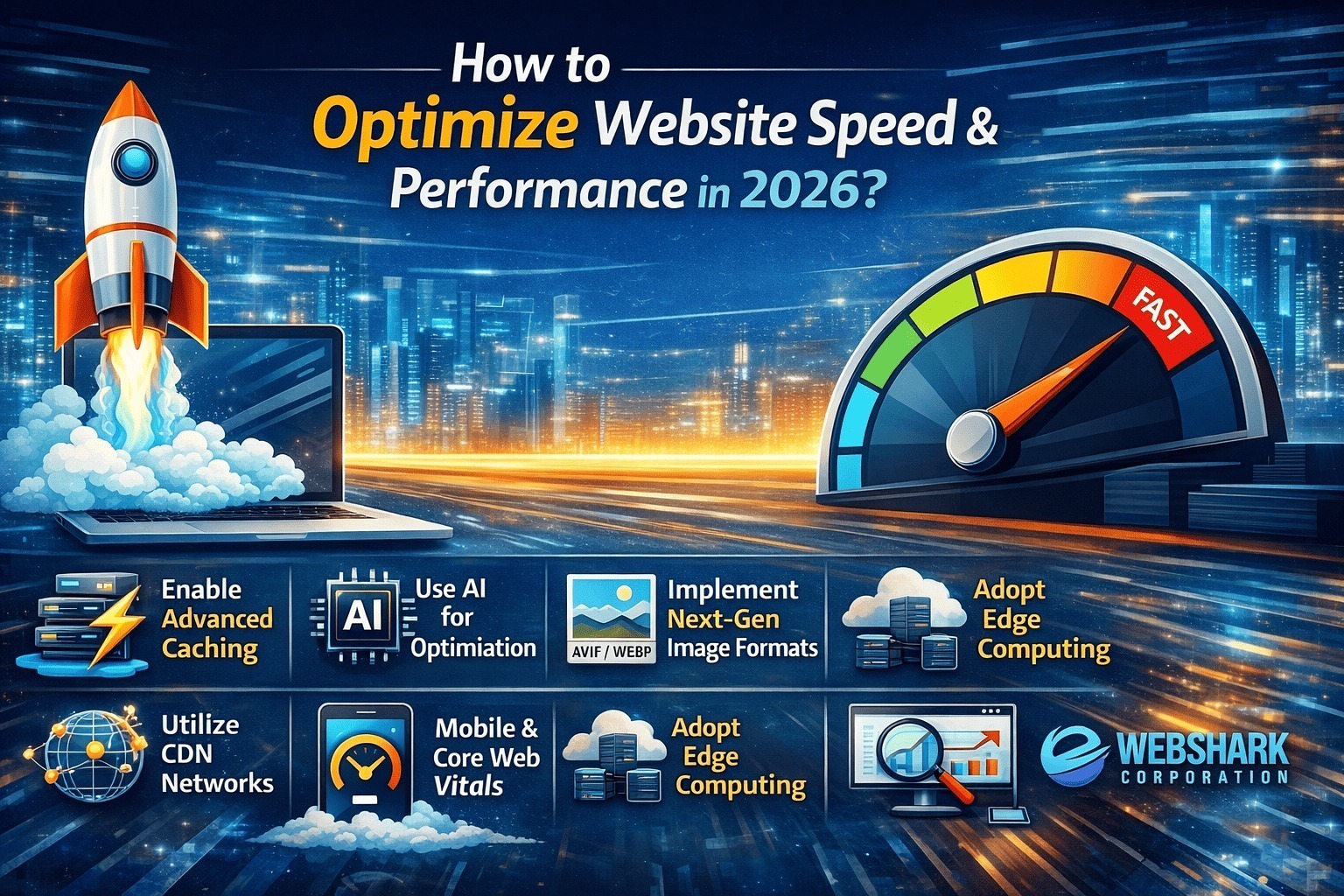
In today’s digital landscape, website speed isn’t just a luxury—it’s a necessity. With users expecting pages to load in under three seconds and search engines prioritizing fast-loading sites, optimizing your website performance has become critical for success. Whether you’re running an e-commerce store, a blog, or a corporate website, the speed at which your site loads directly impacts user experience, conversion rates, and SEO rankings.
As a leading website development company in USA, WebShark Corporation has helped countless businesses transform their online presence through strategic performance optimization. Let’s explore the most effective strategies to supercharge your website’s performance in 2026.
Why Website Speed Matters More Than Ever ?
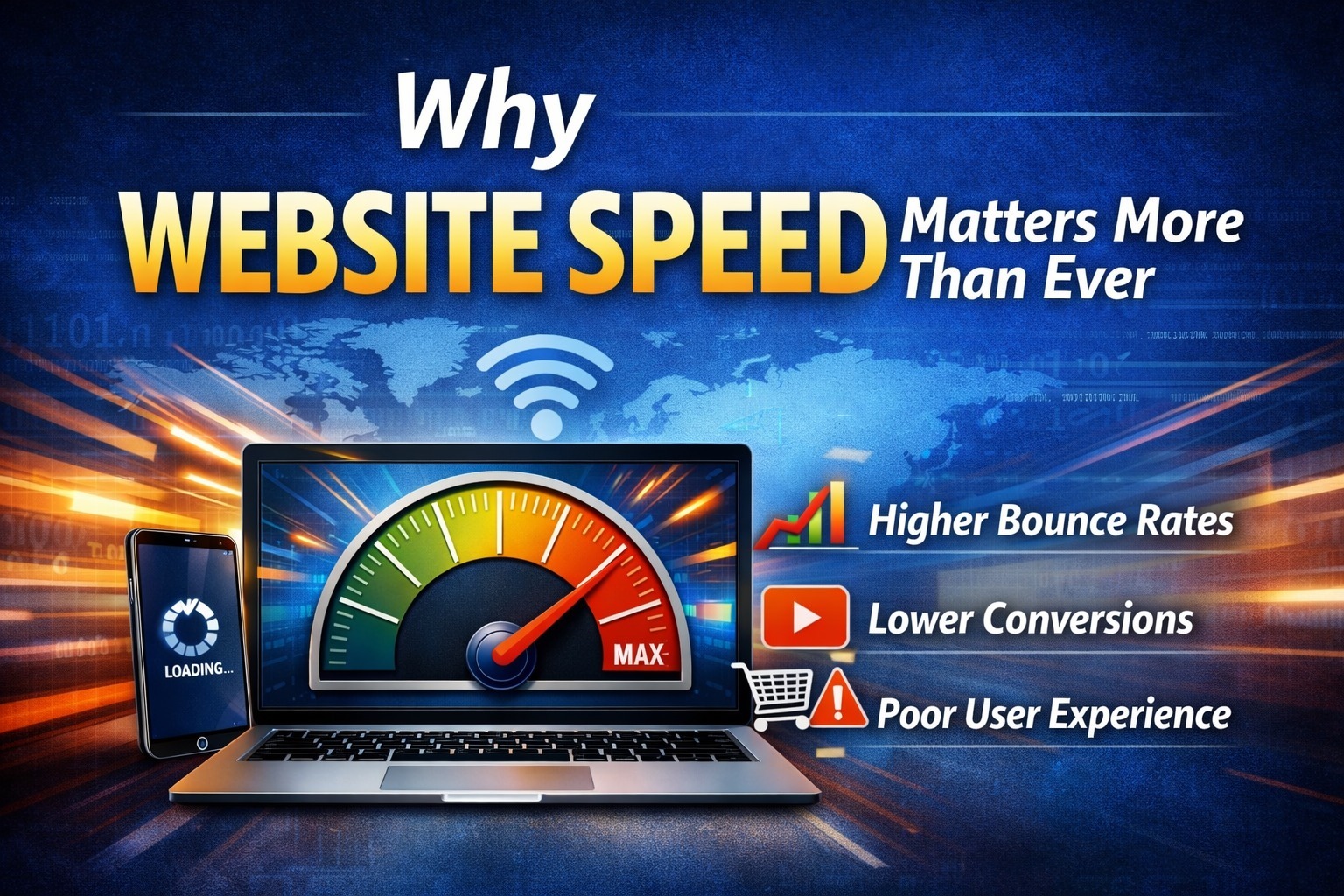
Before diving into optimization techniques, it’s important to understand why page load speed has become so crucial. Studies consistently show that even a one-second delay in page load time can result in a 7% reduction in conversions. For mobile users, who now represent the majority of web traffic, slow loading times are even less tolerable.
Search engines like Google have made Core Web Vitals a ranking factor, meaning that sites with poor performance metrics will struggle to maintain visibility in search results. Beyond SEO, there’s the human element: frustrated visitors will simply leave and find a competitor whose site loads faster. At WebShark Corporation, we’ve seen businesses increase their revenue by up to 40% simply by improving their website load times.
Optimize Your Images for Maximum Efficiency
Images typically account for the largest portion of page weight, making image optimization one of the most impactful improvements you can make. Start by choosing the right format—WebP and AVIF offer superior compression compared to traditional JPEG and PNG formats, often reducing file sizes by 30-50% without noticeable quality loss.
Implement lazy loading to ensure images only load when they’re about to enter the viewport. This technique dramatically improves initial page load times, especially on content-heavy pages. Additionally, use responsive images with the srcset attribute to serve appropriately sized images based on the user’s device and screen resolution.
Don’t forget to compress your images before uploading them. Tools like ImageOptim, TinyPNG, or built-in CMS plugins can automatically reduce file sizes without sacrificing visual quality.
Leverage Modern Caching Strategies
Browser caching allows repeat visitors to load your site much faster by storing static resources locally. Configure your server to set appropriate cache headers for different file types—CSS, JavaScript, and images can often be cached for extended periods since they don’t change frequently.
Beyond browser caching, implement server-side caching through solutions like Redis or Memcached. These systems store database query results and rendered page content in memory, reducing the processing load on your server and delivering content to users almost instantaneously.
For WordPress users, caching plugins like WP Rocket or W3 Total Cache can handle much of this configuration automatically, while custom-built sites should implement caching at both the application and HTTP layers.
Minimize and Compress Your Code
Every line of unnecessary code adds to your page weight and processing time. Minification removes whitespace, comments, and redundant code from your HTML, CSS, and JavaScript files without affecting functionality. Most modern build tools and CDNs can handle this automatically.
Take minification a step further with code compression using Gzip or the newer Brotli algorithm. Brotli typically achieves 20-25% better compression ratios than Gzip, making it the superior choice for modern websites. Enable compression at the server level to automatically compress all text-based resources before sending them to browsers.
Reduce HTTP Requests and Bundle Resources
Each file your page needs—whether it’s a stylesheet, script, or image—requires a separate HTTP request. While HTTP/2 has improved how browsers handle multiple requests, reducing the total number still provides performance benefits.
Combine multiple CSS files into one and do the same for JavaScript files where possible. Use CSS sprites for small icons and graphics to load multiple images in a single request. Consider inlining critical CSS directly into your HTML to eliminate render-blocking resources for above-the-fold content.
Implement a Content Delivery Network
A Content Delivery Network (CDN) distributes your static assets across multiple servers worldwide, allowing users to download resources from a location geographically closer to them. This reduces latency and significantly improves load times for international visitors.
Popular CDN providers like Cloudflare, AWS CloudFront, and Fastly offer additional benefits beyond speed, including DDoS protection, automatic image optimization, and built-in caching. Many modern hosting platforms include CDN integration by default, making implementation straightforward. As a website development company in USA, WebShark Corporation integrates CDN solutions into every project we build, ensuring optimal performance for clients across all geographic locations.
Optimize Your Database Performance
For dynamic websites, database optimization is crucial. Regularly clean up your database by removing post revisions, spam comments, and transient options that accumulate over time. Index frequently queried columns to speed up data retrieval and consider upgrading to faster database systems like MariaDB if you’re still using older MySQL versions.
Implement database query caching to avoid repeatedly executing the same complex queries. For high-traffic sites, consider database replication or sharding to distribute the load across multiple database servers.
Prioritize Critical Rendering Path
The critical rendering path refers to the sequence of steps browsers take to convert HTML, CSS, and JavaScript into rendered pixels on screen. Optimizing this path means prioritizing the loading of resources needed for above-the-fold content.
Use the async or defer attributes on non-critical JavaScript to prevent scripts from blocking page rendering. Place critical CSS inline in the head of your document and load non-critical styles asynchronously. This ensures users see content as quickly as possible, even if some functionality takes slightly longer to become available.
Choose the Right Hosting Solution
Your web hosting infrastructure forms the foundation of your site’s performance. Shared hosting might be economical, but resource limitations can severely impact speed during traffic spikes. Virtual Private Servers (VPS) offer better performance, while dedicated servers provide maximum control and resources.
Cloud hosting platforms like AWS, Google Cloud, or DigitalOcean offer scalability and reliability, automatically adjusting resources based on demand. For WordPress sites specifically, managed WordPress hosting providers like WP Engine or Kinsta optimize their infrastructure specifically for the platform, often delivering superior performance compared to general-purpose hosting.
Monitor and Measure Your Performance
You can’t improve what you don’t measure. Use tools like Google PageSpeed Insights, GTmetrix, and WebPageTest to regularly assess your website performance metrics. These tools provide specific recommendations tailored to your site and highlight areas needing attention.
Monitor your Core Web Vitals—Largest Contentful Paint (LCP), First Input Delay (FID), and Cumulative Layout Shift (CLS)—as these directly impact both user experience and search rankings. Set up continuous monitoring to catch performance regressions before they affect users.
Implement Progressive Web App Features
Progressive Web Apps (PWAs) use modern web capabilities to deliver app-like experiences. Service workers enable offline functionality and background synchronization, while app shell architecture ensures instant loading on repeat visits.
Even if you’re not building a full PWA, implementing service workers for caching can dramatically improve perceived performance. Users returning to your site will see content almost instantaneously, even on slow connections.
Optimize for Mobile Performance
With mobile devices generating the majority of web traffic, mobile optimization can’t be an afterthought. Implement responsive design that adapts to different screen sizes without loading unnecessary resources. Use mobile-specific optimizations like reduced image quality for smaller screens and simplified navigation that doesn’t require heavy JavaScript.
Test your site on actual mobile devices and networks, not just desktop browsers with mobile emulation. Real-world mobile connections often perform differently than simulated environments, revealing performance issues you might otherwise miss.
Partner with Experts for Optimal Results
While many optimization techniques can be implemented independently, working with experienced professionals can accelerate your results and ensure best practices are followed from the start. WebShark Corporation, a trusted website development company in USA, specializes in building high-performance websites that are optimized for speed from the ground up.
Our team understands that performance optimization isn’t just about technical tweaks—it’s about creating seamless user experiences that drive business results. Whether you’re launching a new website or improving an existing one, partnering with experts who prioritize website speed and performance can give you a significant competitive advantage.
The Path Forward
Optimizing website speed and performance isn’t a one-time project—it’s an ongoing commitment. As you add new features, content, and functionality, regularly audit your site’s performance to ensure you maintain the gains you’ve achieved.
Start by implementing the highest-impact optimizations first: image compression, caching, and CDN integration typically deliver the most significant improvements with relatively minimal effort. Then progressively work through more technical optimizations as your comfort level and resources allow.
Remember that every millisecond counts. The faster your website loads, the better your user experience, the higher your conversion rates, and the stronger your search engine rankings. In 2026’s competitive digital landscape, speed is not optional—it’s essential.
If you’re ready to take your website performance to the next level, consider consulting with WebShark Corporation. As a leading website development company in USA, we’re committed to helping businesses achieve lightning-fast load times and exceptional user experiences that translate into measurable business growth.