

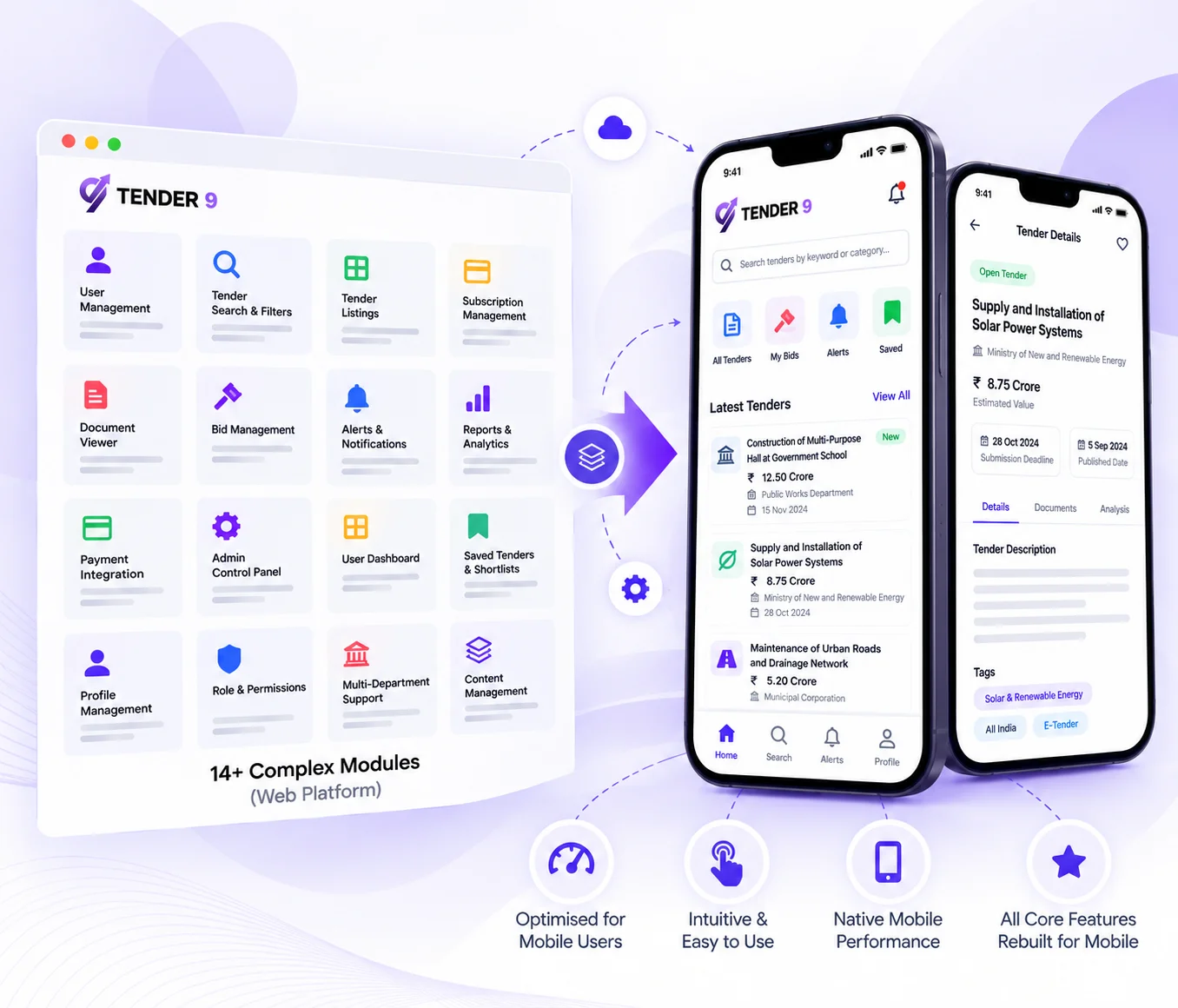

14 Complex Modules Had to Be Rebuilt as Native Mobile Experiences
The Tender 9 web platform's feature scope — advanced search with multiple filters, competitor analytics dashboards with bar graphs and pie charts, MIS reports with Excel downloads, subscription plan management, and AI-powered PDF summarisation — was built for desktop interaction patterns. Rebuilding all 14 modules as mobile-native experiences required redesigning every screen, interaction, and data flow from scratch, while maintaining full feature parity with the web platform. The design system, navigation architecture, and component library were all built new for mobile.
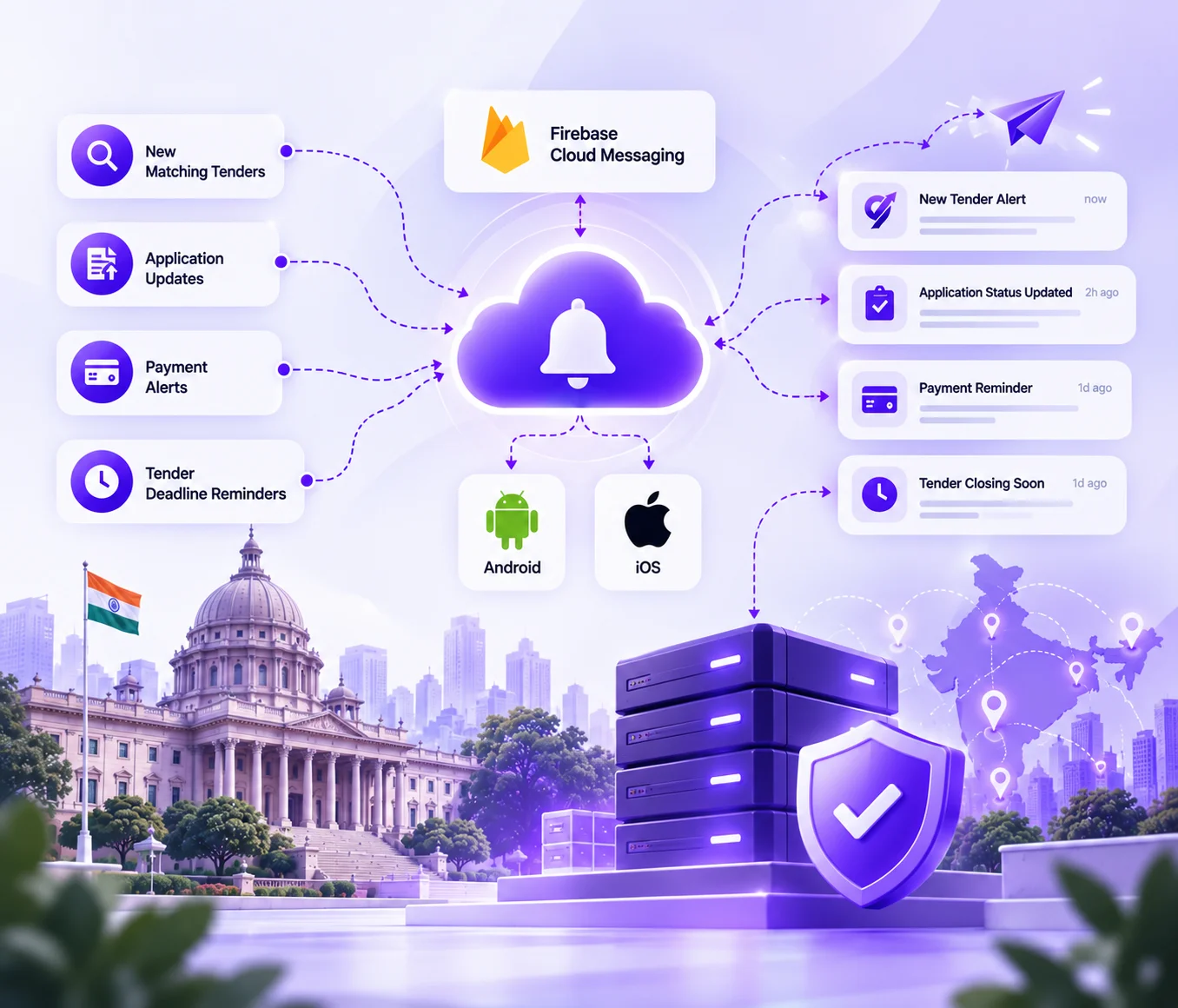

Real-Time Connectivity and Push Notification Infrastructure
One of the primary reasons the mobile app was commissioned was to enable real-time user engagement through push notifications. Building a reliable Firebase Cloud Messaging integration across Android and iOS, tied to meaningful trigger events like new matching tenders, application status changes, payment alerts, and tender deadline reminders, required both mobile-specific API endpoints on the Laravel backend and a notification preference system in the app itself. Getting this right was non-negotiable — it is one of the core value propositions of the mobile experience.
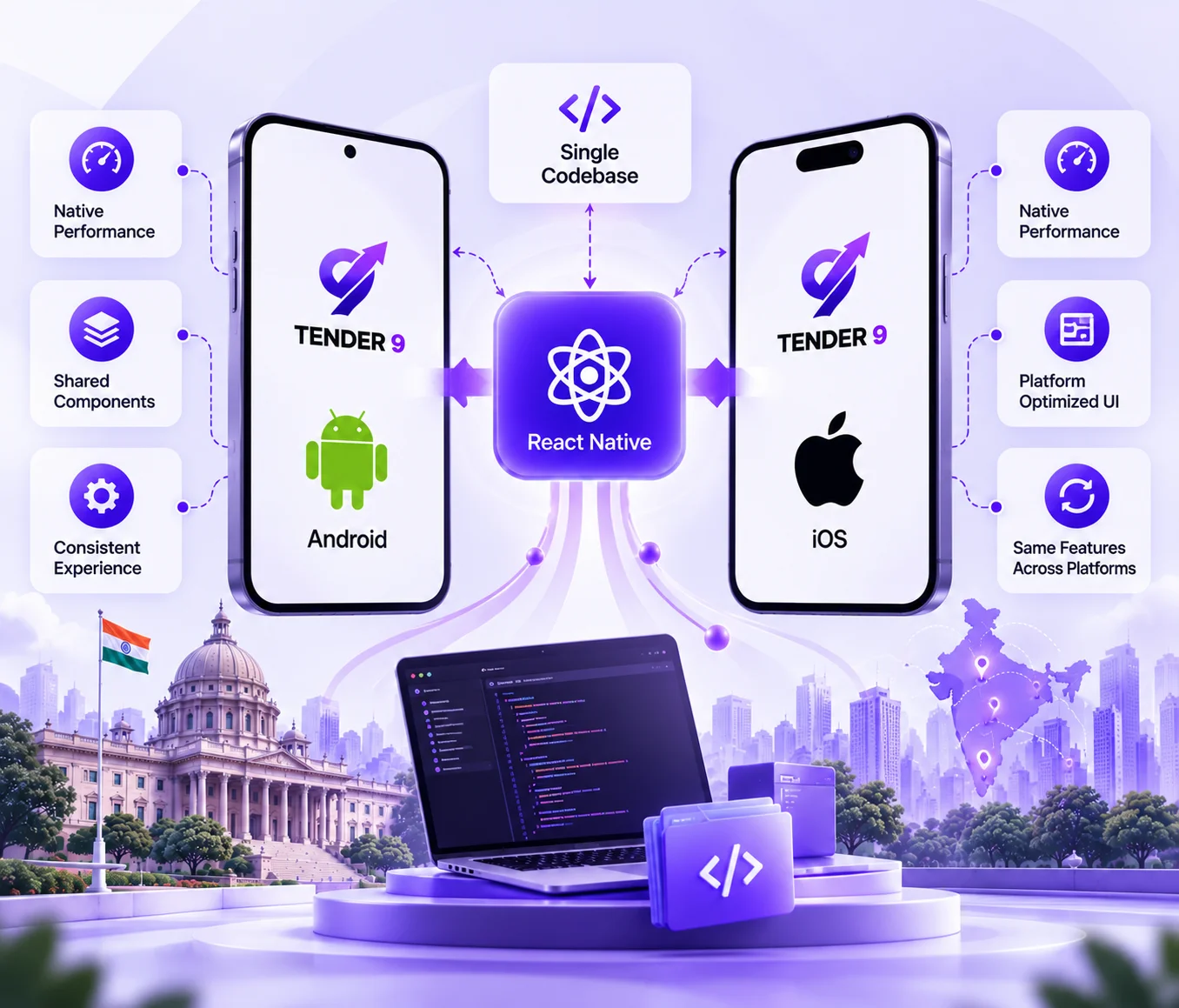

One Codebase, Two Platforms, Zero Compromise on Performance
The choice of React Native with Expo as the mobile framework meant a single codebase would deliver both the Android and iOS applications. The challenge was ensuring that complex data-heavy modules like competitor analytics charts, MIS report downloads, tender result dashboards, and in-app PDF viewers performed consistently across Android devices from budget Samsung models to flagship OnePlus, and across the full iOS device range. State management, API pagination for mobile payloads, offline handling, and chart rendering all had to be optimised specifically for mobile constraints.
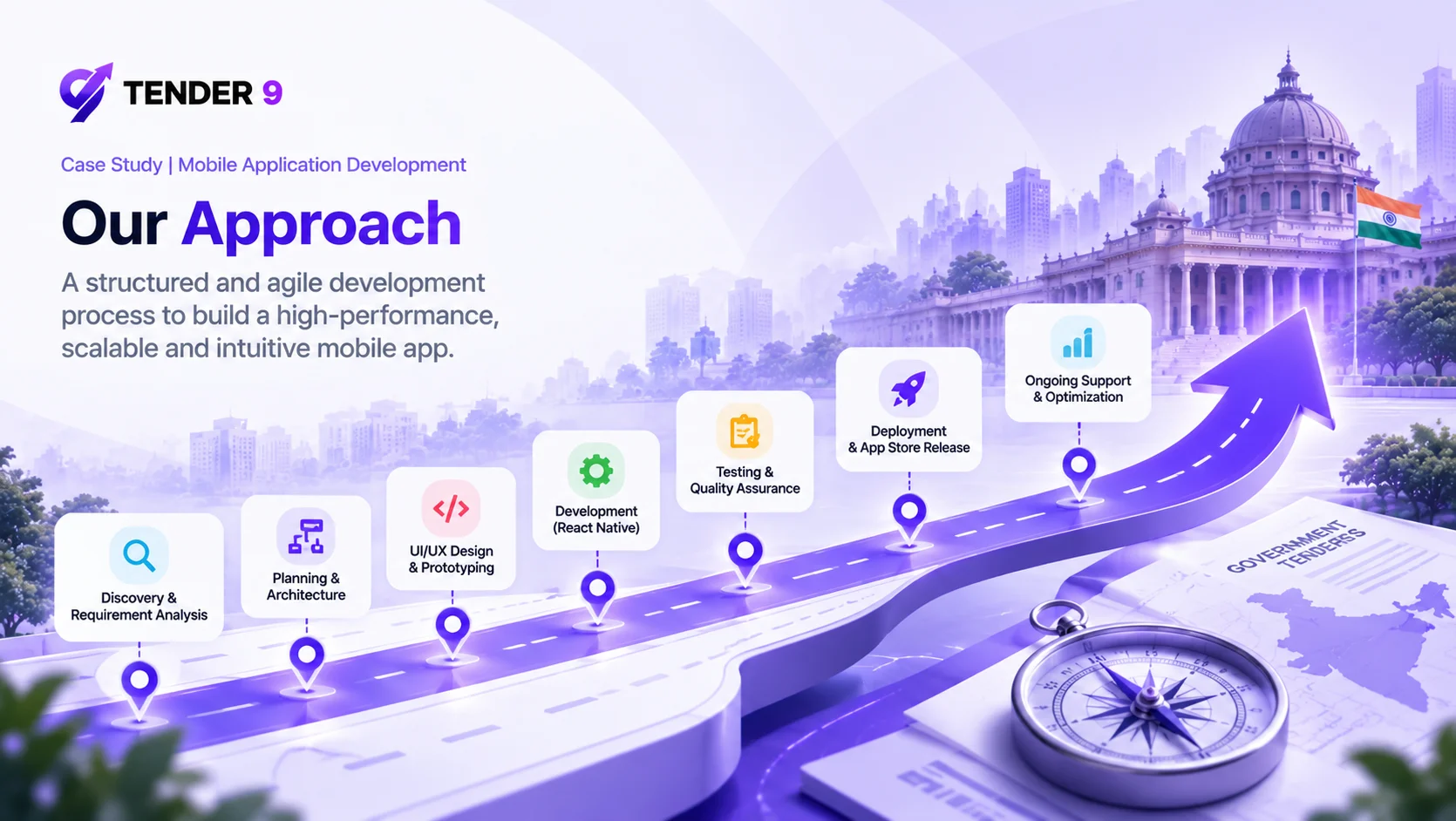

Onboarding & Authentication
A polished onboarding experience with an animated splash screen and app intro, customer registration via email or phone number, secure persistent session management, Two-Factor Authentication via OTP, and a secure password reset flow. First impressions matter on mobile, and the onboarding sets the tone for the rest of the experience.

Customer Dashboard
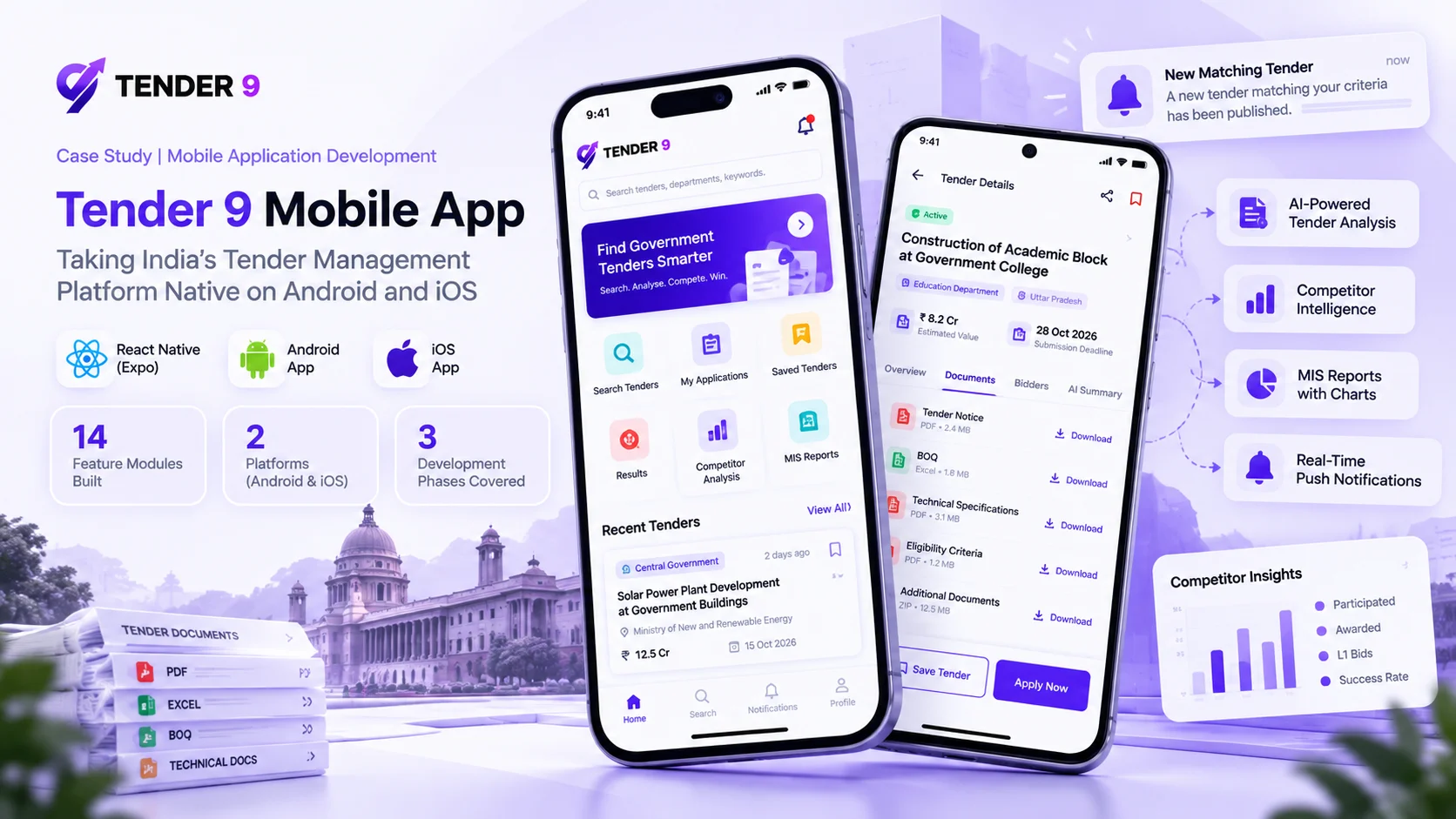
A personalised home screen showing active applications, pending actions, and a centralised notification centre — all at a glance. Summary widgets display application count, wishlist count, and subscription status. Quick access links to tender search, applications, and saved tenders reduce the number of taps between opening the app and reaching the most-used features.

Tender Discovery & Advanced Search
The core of the mobile experience. Advanced search with filters across department, state, district, category, value range, deadline, and ownership. Sorting by latest, deadline, value, and relevance. Search history stored for repeat queries. Category and source labelling in search suggestions. Tender listing cards display key information at a glance, designed for fast scanning on a mobile screen.

Tender Detail & Documents
Full tender detail view covering title, department, value, deadline, location, ownership, and category. Document viewing and download across PDF, DOC, Excel, HTML, and image formats. ZIP download of all tender documents including BOQ. Related tenders and keyword suggestions. Share via WhatsApp and email, plus a follow option for tracking tender updates.

Tender Shortlisting
A personal wishlist system where users can save tenders of interest and organise them into custom folders. Saved tenders can be managed and removed at any time, giving users a structured way to track opportunities across multiple categories and geographies without losing them in search history.
Tender Application & Tracking
A streamlined application submission flow with direct document upload from the mobile device. Real-time application status tracking with updates pushed via FCM. Full application history showing every submitted tender and its current status, giving users a complete audit trail of their tendering activity.

Tender Results
Result search with all filters matching the main tender search module. Result types cover AOC, Technical, and Financial. Each result detail screen shows the full bidder list with ranks (L1, L2, L3), bid values, contract value, and marginal difference — with the winning bidder highlighted. A bidders report and similar results matched by department, keyword, and state are also available. Documents can be downloaded as a ZIP via a one-time Razorpay payment.

Subscription & Billing
A full in-app subscription system built on Razorpay's React Native SDK. Users select plans based on their needs — tender type, keywords, states, competitor analysis access, and result frequency. Monthly, half-yearly, and annual billing with recurring payment setup. Payment confirmation, due date reminders, and failure notifications are all automated. Billing history and invoice access are available directly in the app.

Competitor Analytics
Company search and full company profile view with a dashboard covering participated amount, awarded amount, L1 bids, lost tenders, financial and technical bids, state-wise results, participated vs. awarded bar graph, top departments bar graph, and month-wise performance graph. Competitor bids with filters, top competitors chart, and shortlisted competitors. Compare bids by individual comparison, strong areas, and same bid — giving users data-driven intelligence on their competitive landscape directly from their phone.

MIS Reports
State-wise, department-wise, bidders, ownership, month-wise, category, value, and competitor reports — each with chart view, Excel download, and company report download. Bringing full MIS reporting to mobile was a significant engineering challenge given the data volume and download functionality involved, and it is one of the features that sets the Tender 9 mobile app apart from any competing tool in the market.

AI-Powered Features
Natural language and AI prompt-based tender search. Smart tender recommendations based on the user's profile, search history, and application history. Eligibility analysis against tender criteria. AI-powered tender document summarisation — the mobile equivalent of ChatPDF, built specifically for government tender PDFs. The first 3 summaries are free per user, with subsequent summaries subscription-gated. All summaries are stored in the database to avoid repeat processing costs.

Profile & Account Management
View and edit personal information, contact details, and company association. Privacy settings and data sharing consent. Communication preference management. Password change and account security settings — all accessible within the app without needing to visit the web platform.
Push Notifications
Firebase Cloud Messaging integrated for both Android and iOS. Triggers cover application status updates, tender deadline reminders, payment alerts, and new matching tenders. An in-app notification centre manages read and unread state. Notification preferences in account settings give users control over what they receive and when.
Blog & Content
Browse and read blog articles on tender compliance, industry updates, and procurement insights directly within the app. Blog listing with category filter. Article detail view with share option. Keeps users informed and engaged with Tender 9's content even when they are not actively searching for tenders.


